 Afield
In this article
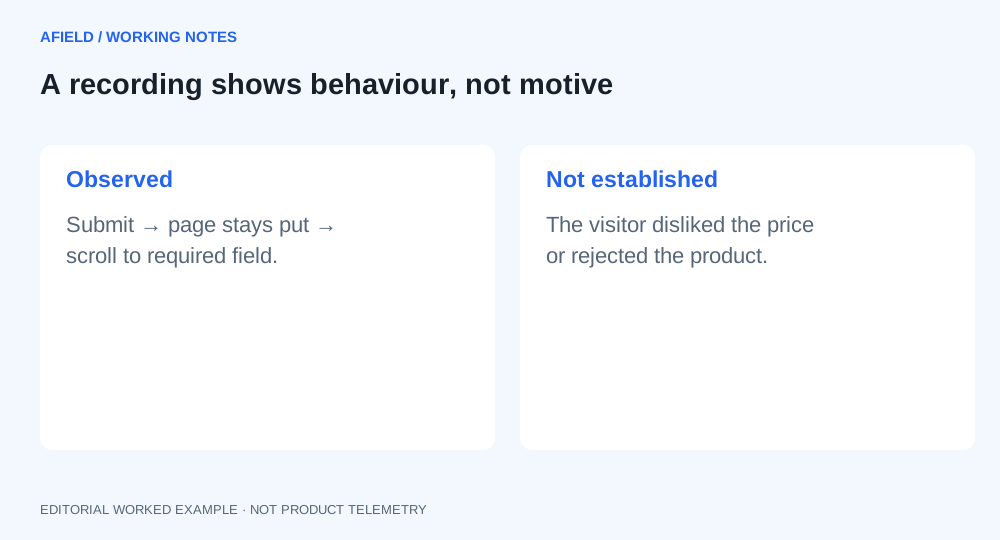
A visitor clicks Submit twice, scrolls back up and leaves. The next useful question is whether the form handled the attempt correctly. A recording shows behavior; it does not establish that the visitor disliked the price.
Read one attempted task
Demo recording: this timeline is fictional and does not describe a customer session or an Afield defect.
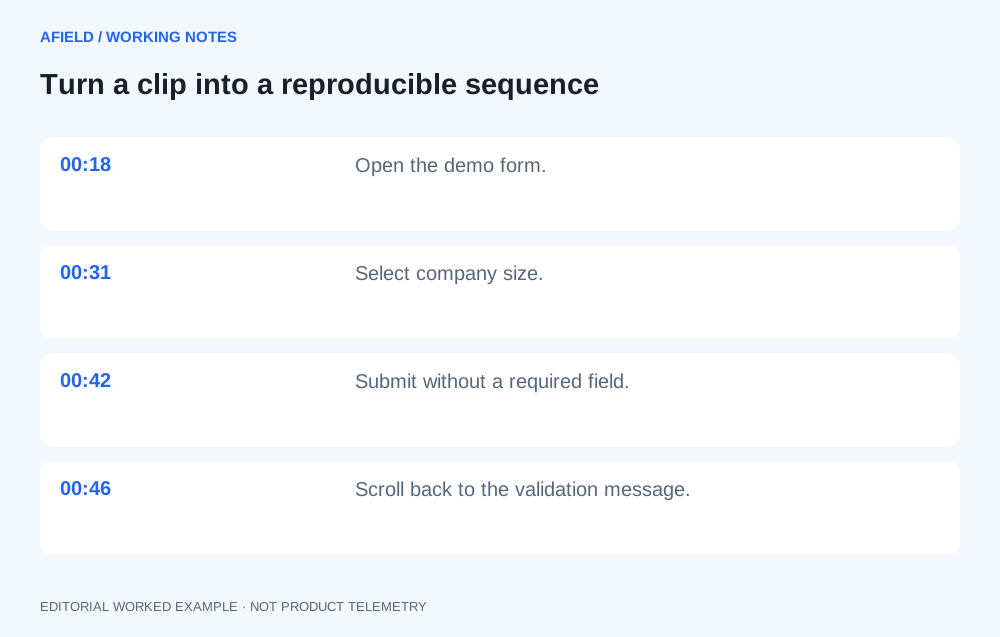
| Time | Visible observation | Check |
|---|---|---|
| 00:18 | Visitor opens the demo form. | Did the form finish loading? |
| 00:31 | Visitor selects company size. | Is the selected value retained? |
| 00:42 | Submit is clicked; the form remains. | Did validation stop a request, or did the request fail? |
| 00:46 | Visitor scrolls to a required field above the button. | Was the error visible from the button? |
| 00:55 | Recording ends. | Is there a matching completion or error event? |
Reproduce, then file this issue
On the same kind of device, leave the company field empty and repeat the sequence. Inspect focus, visible error text, retained values and the request result. If it does not reproduce, collect another relevant recording or an error record before assigning a cause.
Title: Required-field error is out of view after demo-form submit
Page: [exact form URL]
Environment: [browser/version], [viewport width × height]
Recording: [internal reference], 00:31–00:46

Starting state: company field empty; other required fields filled.
Steps:
1. Select company size.
2. Scroll to Submit and activate it.
3. Observe focus, error position and any request.

Actual: form remains; company error is above the viewport.
Expected: focus and readable text identify the invalid field;
          previously entered values remain.

Acceptance:
- Repeat with keyboard and pointer at the affected viewport.
- Company error is reachable and explains the correction.
- Complete the field and submit once.
- One successful submission is recorded; no duplicate request.

Evidence: [reproduction result and relevant request/error record]
Open question: [what remains unconfirmed]
Check whether it is a pattern
Review sessions that reached this form without a successful submission during a defined period. Compare some successful sessions too. Record how many relevant clips you checked and how many showed the same sequence. That count describes the reviewed sample, not the whole site’s failure rate.
After the fix, repeat the reproduction and inspect form-error and completion events over comparable periods. Record other changes to the form or traffic so an increase is not automatically credited to this repair.
Use the notes without exposing the recording
Copy the report above and fill its brackets. If you use Afield to organize the investigation, provide redacted observations and the reproduction result, then ask for the issue and acceptance checks. This article does not document an Afield integration that autonomously watches session recordings.
Keep private recording references inside the team. A public explanation can use a labeled reconstruction of the sequence without sharing entered names, emails or other visitor information.