 Afield
See what the week is supposed to produce
Afield turns your business context, available evidence and current priority into a weekly plan. Open a task for its requirements and steps, adjust it, then run it in the assistant. The task page separates the plan, running work and history.
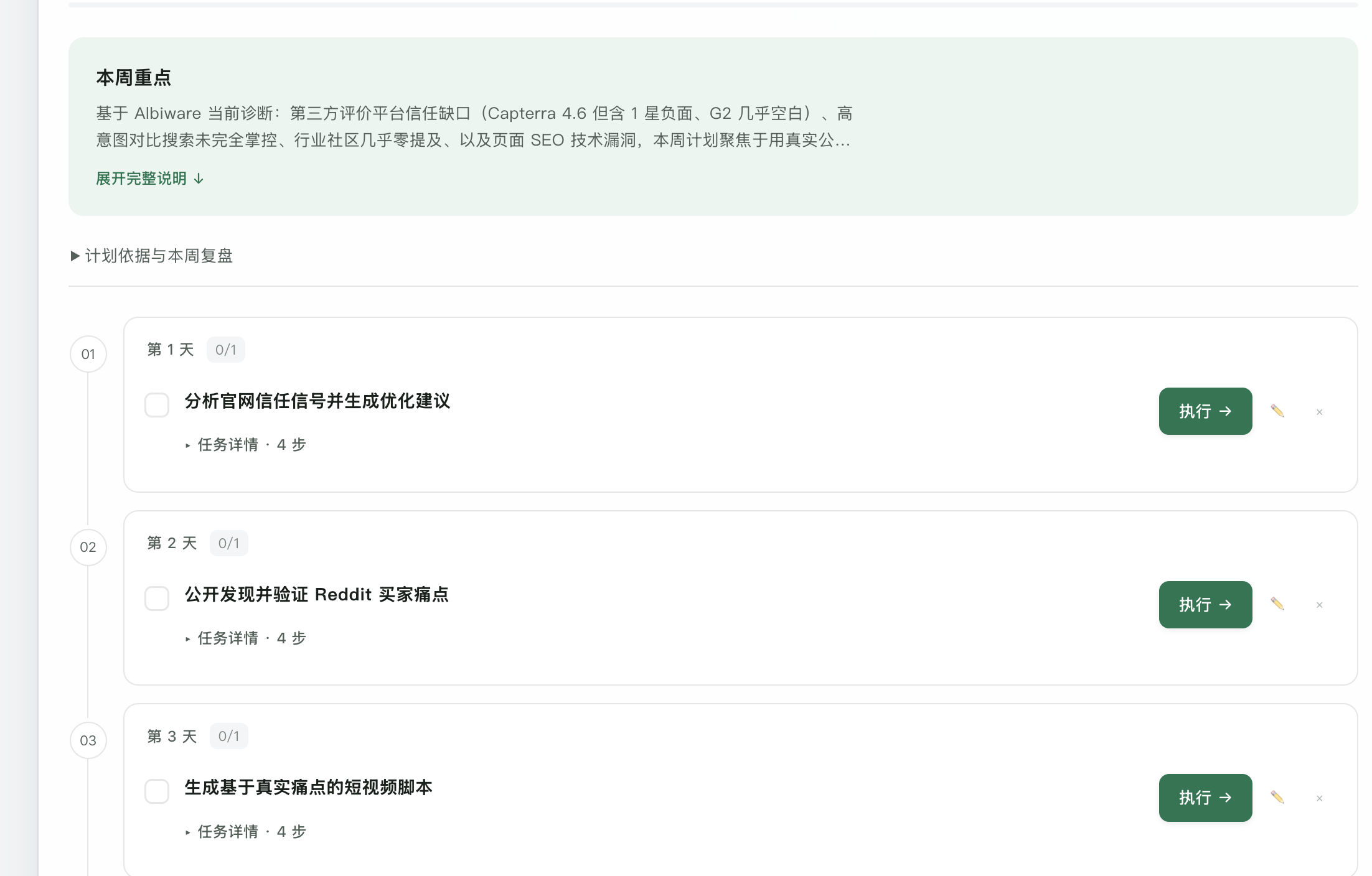
A complete sample week: answer one sales objection
Demonstration plan: a supplier machines components to customer drawings. Buyers keep asking what information is needed before a quotation. The week should produce a useful enquiry guide and the material to offer it.
| Day | Task | Deliverable |
|---|---|---|
| Monday | Review the capability sheet and current enquiry questions. | Research note: required inputs, common gaps and the owner of each answer. |
| Tuesday | Write a complete drawing-based enquiry example. | Guide with material, quantity, drawing revision and inspection requirements. |
| Wednesday | Find equipment manufacturers that fit the offer. | Company shortlist with product evidence and relevant contact roles. |
| Thursday | Prepare an individual email for selected accounts. | Subject and body offering the guide and asking about supplier qualification. |
| Friday | Review outputs and prepare the publication task. | Reviewed guide, final drafts and a named destination for the next action. |
The deliverables are the connection between tasks. Thursday needs the actual Tuesday guide, not simply a checked box beside Tuesday.
Carry one competitive finding into the plan
A competitor brief can identify a useful test, but copying every observation into the calendar makes the week unfocused. Choose the finding that changes a buyer decision and name the material needed to test it.
In the worked competitive-research handoff, a fictional team already has contacts but lacks checked account context. Its week produces two complete account briefs and two individual email drafts. Thursday's review asks whether the sales owner can act from each brief. That is a different plan from buying more contact data or rewriting every comparison page.
Put the chosen research note in the task's source material. State the output and reviewer, and keep sending or publication as a separately reviewed action. The plan procedure explains how to inspect and edit those dependencies.
Change the assignment when the evidence changes
If Monday’s research shows that buyers expect design assistance, revise Tuesday’s guide to make the drawing-based scope clear. Edit that task or re-customize the week with the new priority. You can remove work that no longer helps the objective.
The plan is executable one task at a time. It is not a promise that all listed work will run unattended or that a checked task has generated revenue.
Open the work again next week
Use history to reopen available saved reports, lists and drafts, or return to the original conversation for revisions. Execution records and saved results are shown separately, including partial success or missing older data where applicable.
For the next plan, name what is already usable and what remains unfinished. That lets you continue from the guide and shortlist instead of commissioning them again.