 Afield
In this article
An internal link is useful when the destination answers a question the current passage raises. For an import product, “What can I import?”, “How do I prepare the file?” and “Who pays for cleanup?” belong in different places.
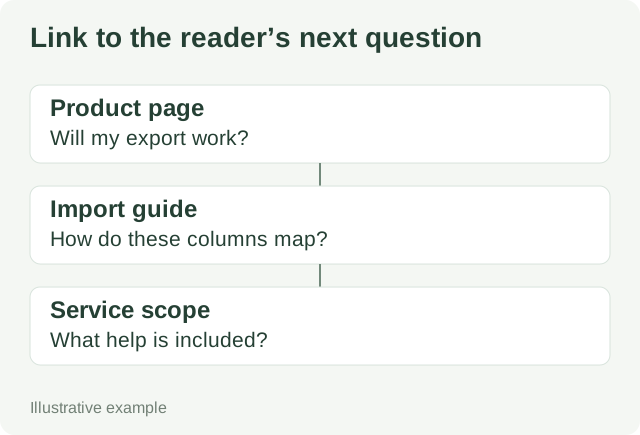
Write the anchor sentence before adding the link
Demo link map: the product and import procedure below are fictional. Confirm the actual supported format and service terms before using these sentences.
| Where the reader is | Question now raised | Sentence to use | Destination must contain |
|---|---|---|---|
| Product page: import section | Can I prepare my existing spreadsheet? | Use the CSV field-mapping example to turn your export into the supported format. | Sample input, field rules and a corrected output. |
| Tutorial: rejected-row example | What if we need help cleaning a large file? | Check data-cleanup responsibilities and fees before scheduling your import. | What the customer supplies, what the service includes and excluded work. |
| Pricing page: migration support | How much preparation is involved? | Try the five-row import preparation exercise to see the required cleanup. | A small exercise that can be completed without buying. |
| Tutorial: successful result | What can the product do after import? | See how imported companies are assigned to an owner. | The relevant product procedure, including limits. |
The italicized phrases are the proposed anchors. A page may deserve two contextual links when they answer different questions. There is no reason to insert the same link after every paragraph.
Use a real link element
For this article’s own next step, the markup can be:
<a href="/blog/b2b-sitemap-audit-before-submission">check which published pages belong in your sitemap</a>Google recommends <a> elements with an href and descriptive anchor text. Script-only click handlers are not a reliable substitute for crawlable links. See Google’s link guidance.
Check the path after release
- Open each destination from the published source page, including on a narrow screen.
- Use the keyboard to reach and activate the link. Confirm that its text still makes sense out of context.
- Read the destination: does it contain the promised example or only another introduction?
- If a page moved, update the source link to the final destination and check the redirect.
- When technical details change, update the product passage and the linked tutorial together.
After the links work, audit the sitemap for obsolete or missing addresses. If the page is receiving impressions but few clicks, investigate the queries and search snippet; adding more links alone does not diagnose that problem.